Struggling with VoIP call quality? SIP ALG might be the culprit. We provide expert troubleshooting to eliminate SIP ALG issues and ensure crystal-clear communication.
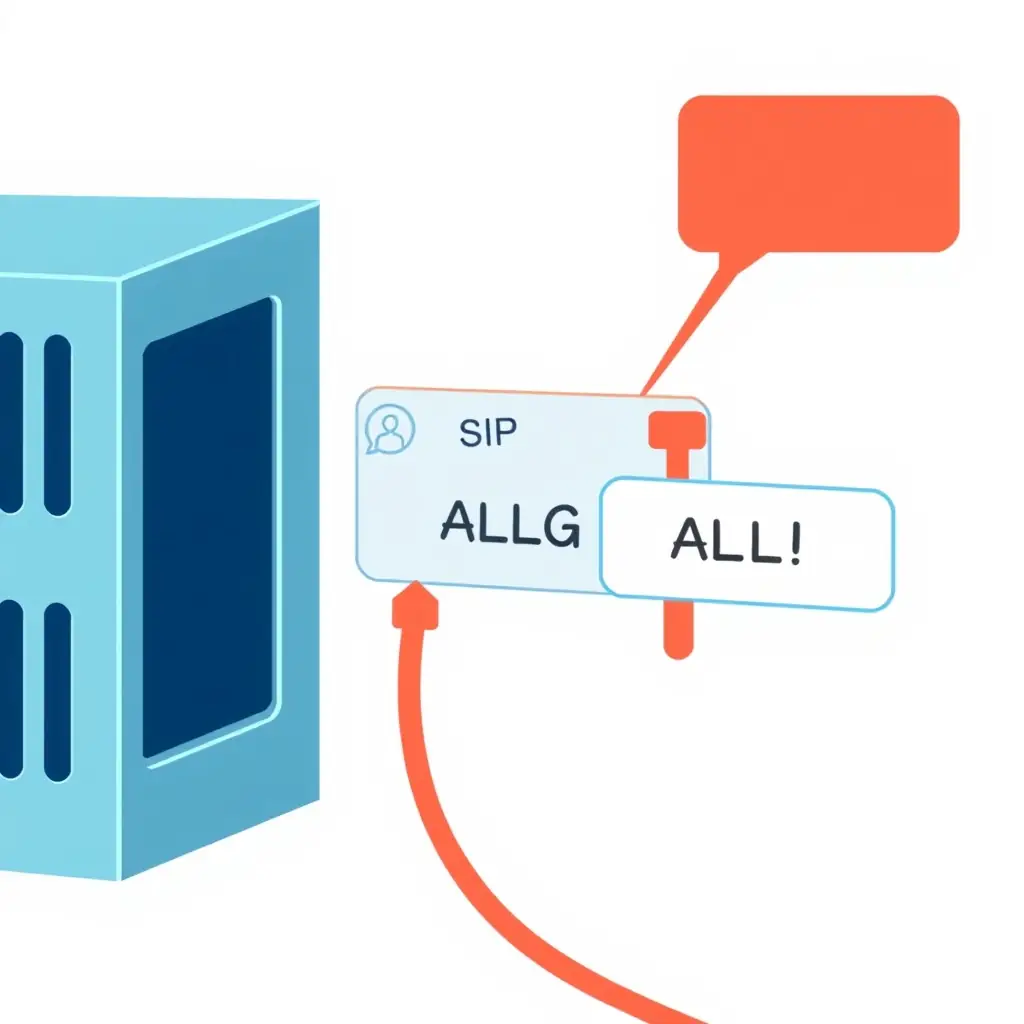
SIP ALG (Application Layer Gateway) is a component in network devices that modifies SIP packets. While intended to help with NAT traversal, it often causes more problems than it solves, especially for VoIP systems. CloudVoIP.pro can help you navigate these complexities.
NAT Traversal: Designed to assist VoIP devices behind NAT.
Packet Inspection: Examines and modifies SIP headers.
Potential Issues: Can corrupt SIP messages, leading to call failures.
How SIP ALG Breaks Your VoIP System
SIP ALG, intended to help, often corrupts SIP packets by altering necessary header information. This leads to call failures, one-way audio, and registration problems, severely impacting VoIP service reliability. CloudVoIP.pro specializes in diagnosing and resolving these complex issues.
Call Failures: Inability to establish connections.
One-Way Audio: Audio transmitted in only one direction.
Registration Problems: Devices failing to register with the SIP server.
Dropped Calls: Calls disconnecting unexpectedly.
Easily Disable SIP ALG on Your Router
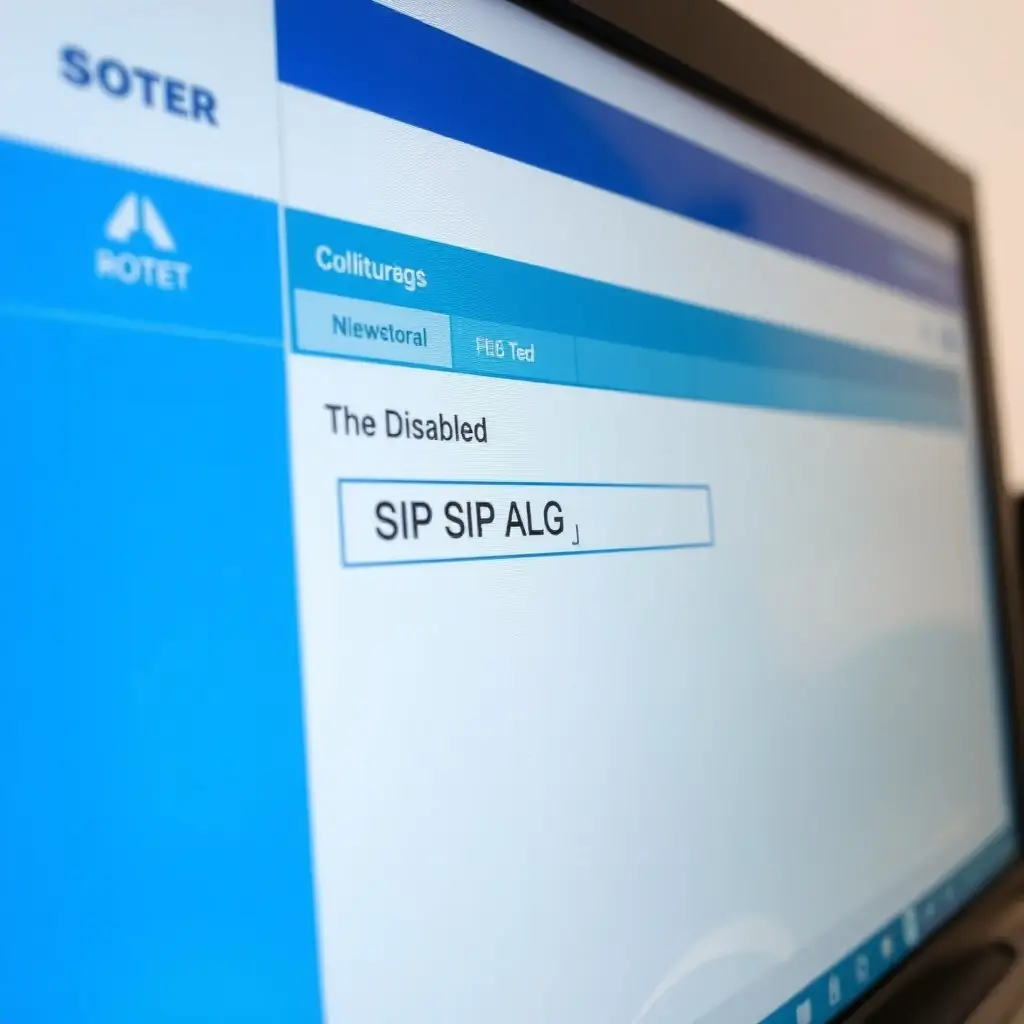
Follow our comprehensive guide to disable SIP ALG on your router or firewall. This will help resolve common VoIP issues and ensure smooth communication. Our step-by-step instructions are easy to follow, even for non-technical users.
Access Router Settings: Log in to your router's admin panel.
Find ALG Settings: Navigate to the firewall or security settings.
Disable SIP ALG: Uncheck the box or select 'Disable' for SIP ALG.
CloudVoIP.pro delivers expert VoIP consulting, cloud phone systems, SIP trunking, and unified communications solutions. We design, deploy, troubleshoot, and optimize reliable, scalable communication systems for businesses of all sizes.
From hosted PBX and UCaaS platforms to network optimization, security, and multi-location deployments, we provide vendor-neutral expertise backed by decades of hands-on experience.